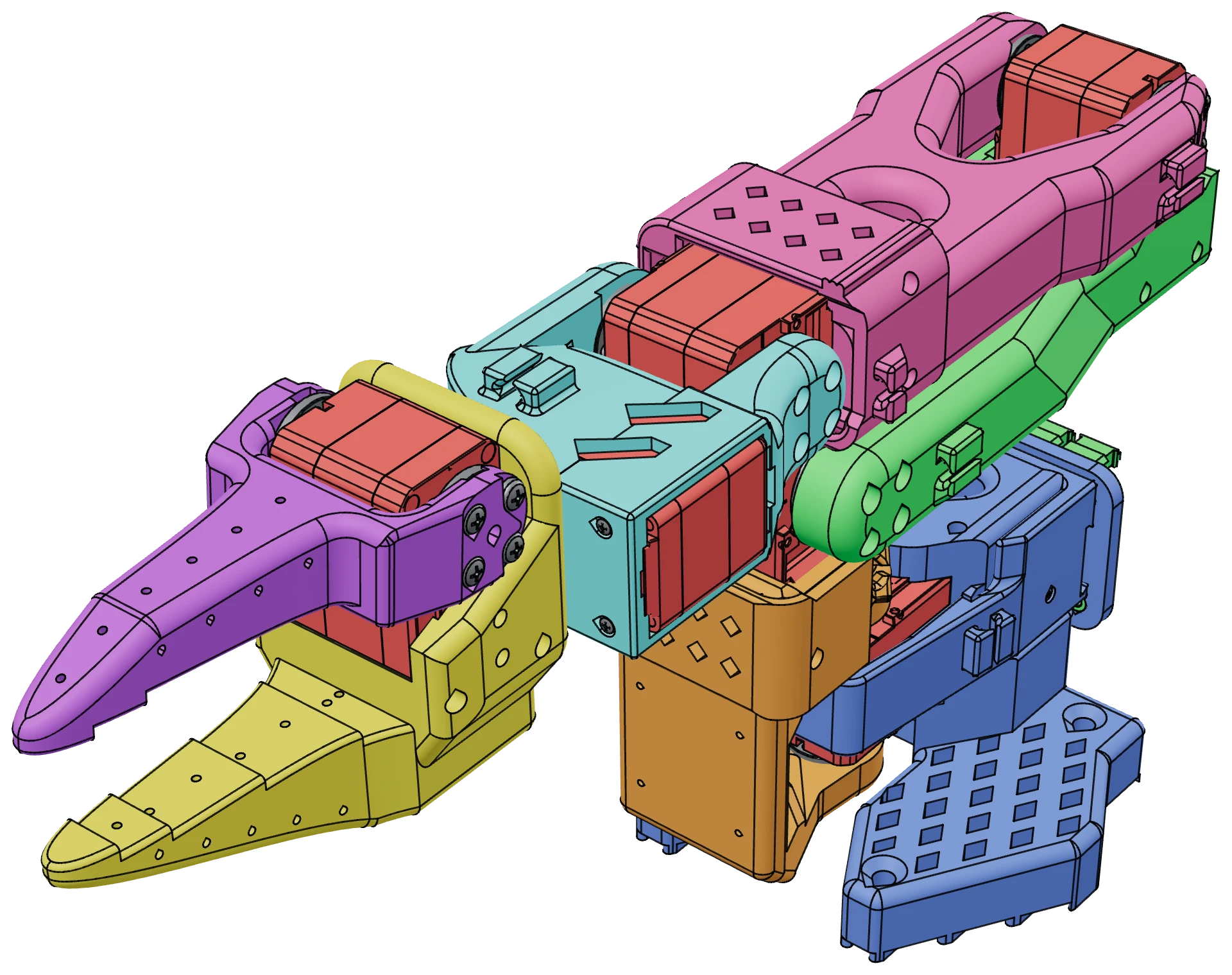
The arm is the SO-101, open-sourced by TheRobotStudio
Enclose is an open-source workbench for CAD made with agents.
It works with your Claude, Codex or Grok subscription. Fork it and make it yours.
Build with an agent.
Every project, conversation
and version in one window.
Every project in view. Each card says what its agent is up to: working, done, or waiting on you. Turn to one and its model is in the view.
A version for each conversation. Try an idea in a new conversation. It starts from the model on screen, and the one you left keeps its own.

Projects that go together. Grouping projects gives the agent their context: when one changes, it carries what that means over to the others.
Robot armHistory Added: a slider for each jointRecolored parts by handChanged: the cables lie at restRaised the arm, to reach a shelfFixed: the jaw no longer clipsAdded: Rest, Ready and Reach posesA history of every change. Every turn is a commit that says what changed, and each version has its own branch, in git, in the project’s own folder.
- Uploading 0 of 1,204 files0 MB of 402 MB
Backed up on Enclose Cloud. Sign in, and every project is backed up, free up to 5 GB. On another computer, download them as they were.
The agent you already pay for. Claude Code, Codex, Grok or opencode, on your own subscription. Pick the model and the effort for each conversation.
CAD, made simple.
Notes, colours, parts and
blueprints, just by asking.
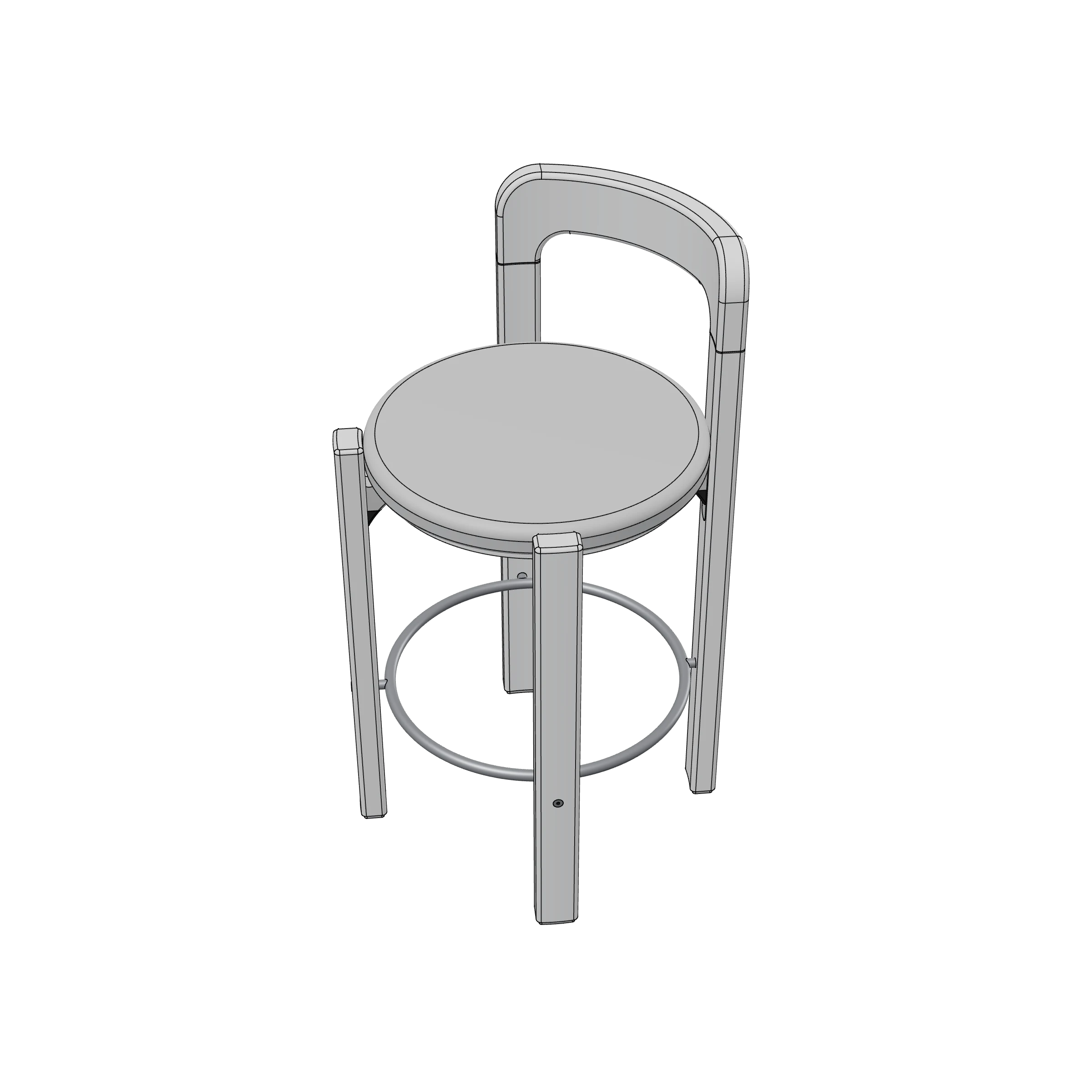
- CancelBackrestWhat should change here?⌘ Enter to send nowCancelSeatWhat should change here?⌘ Enter to send now
A note on every part. Click a part and say what should change. Leave notes on as many as you like, then send them together.
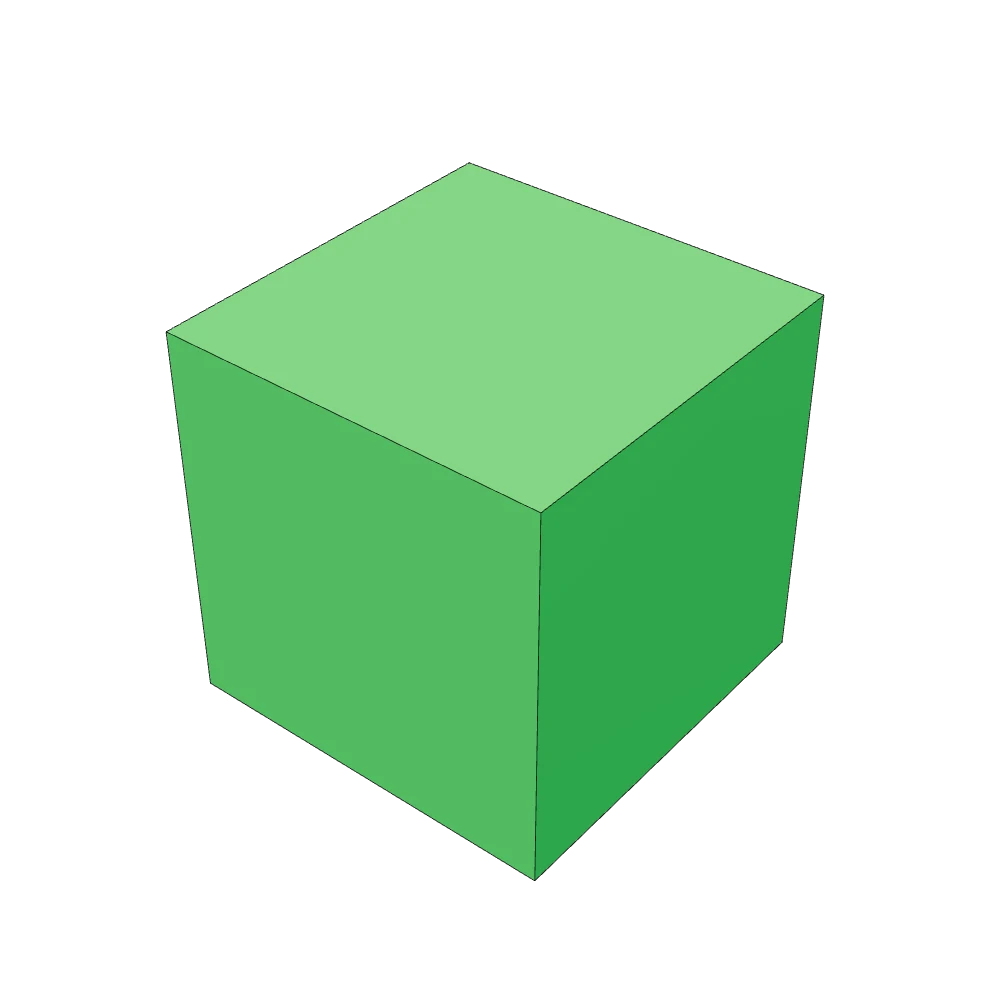


 ColorMaterial#54FF7D
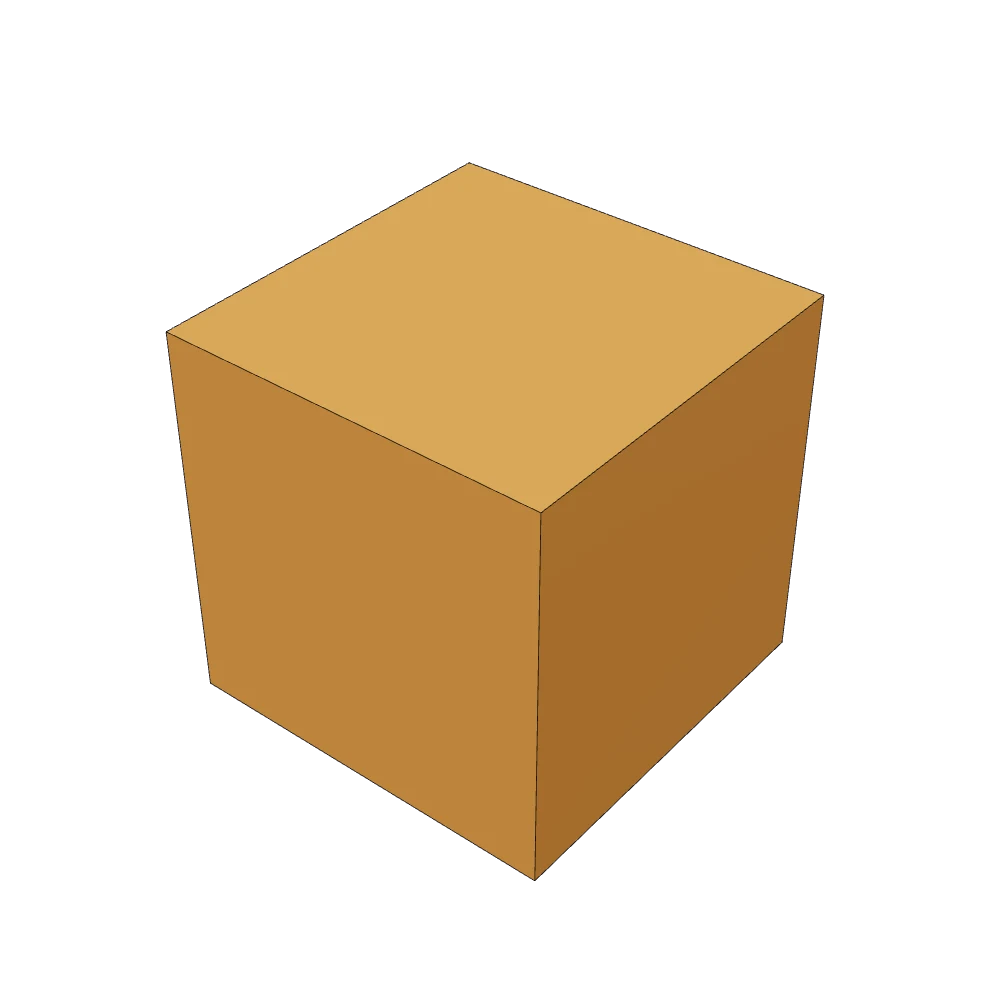
 AluminiumPolished
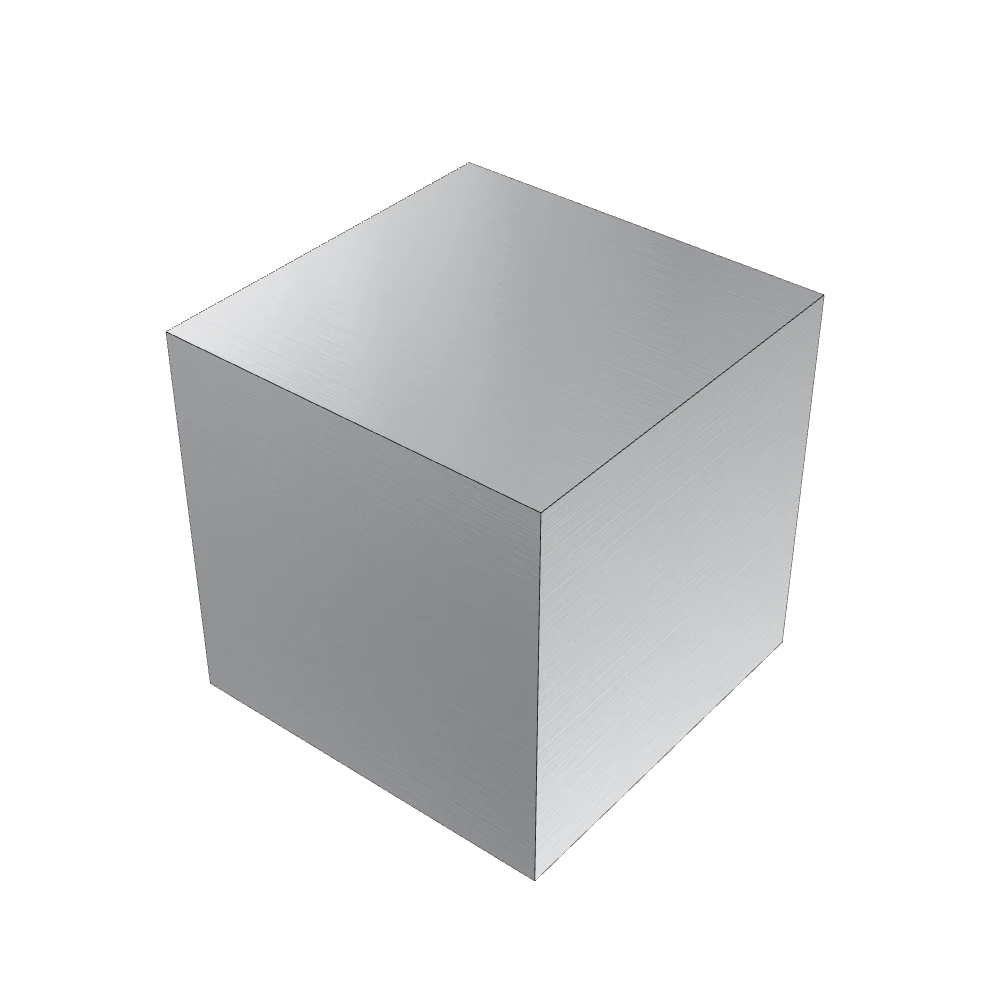
 AluminiumBrushed
 AluminiumAnodised
 SteelSatin
 SteelHammered
 BrassPolishedMaterials show in RenderShow
Colours and materials. Give a part a colour, or what it is made of: brushed aluminium, walnut, frosted glass. Cmd+Z takes it back.
Base3.1 MB 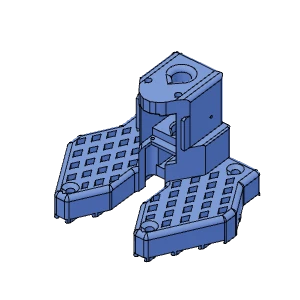 Base612 KB
Shoulder1.8 MB 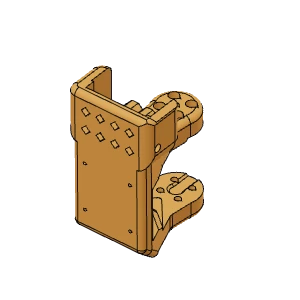 Shoulder388 KB
Upper arm1.6 MB 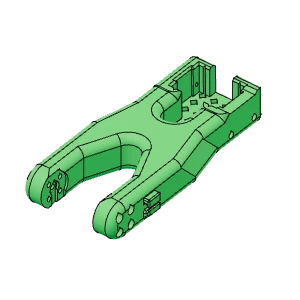 Upper arm574 KB
Lower arm1.5 MB 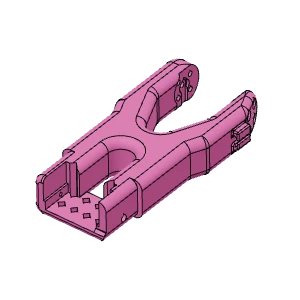 Lower arm566 KB
Wrist1.2 MB 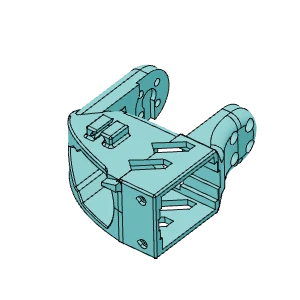 Wrist402 KB
Gripper1.3 MB 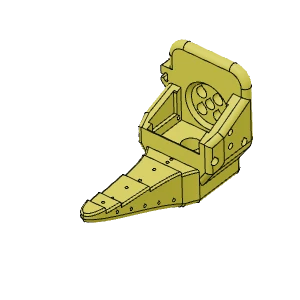 Gripper627 KB
Jaw590 KB 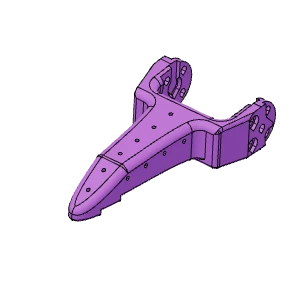 Jaw531 KB
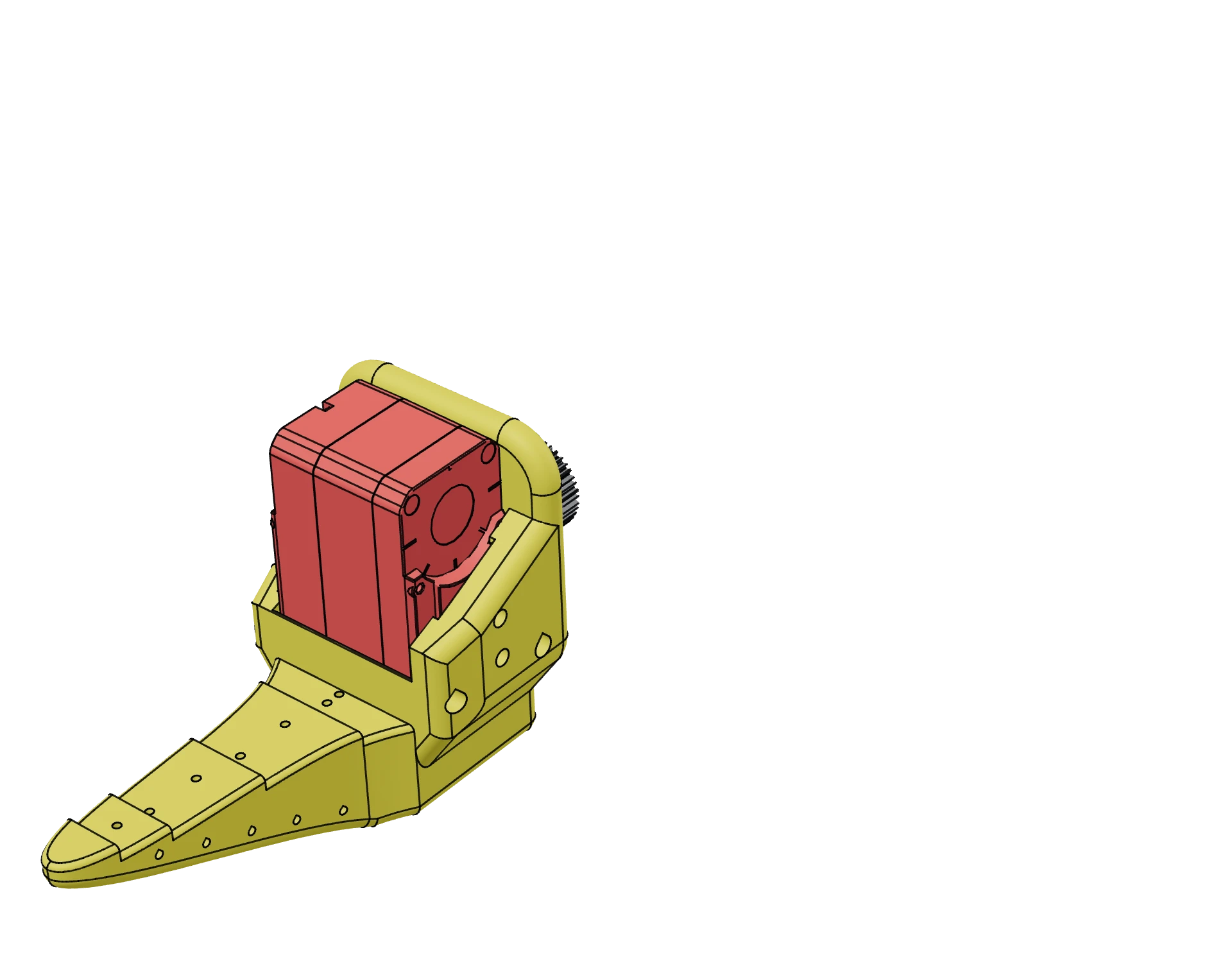
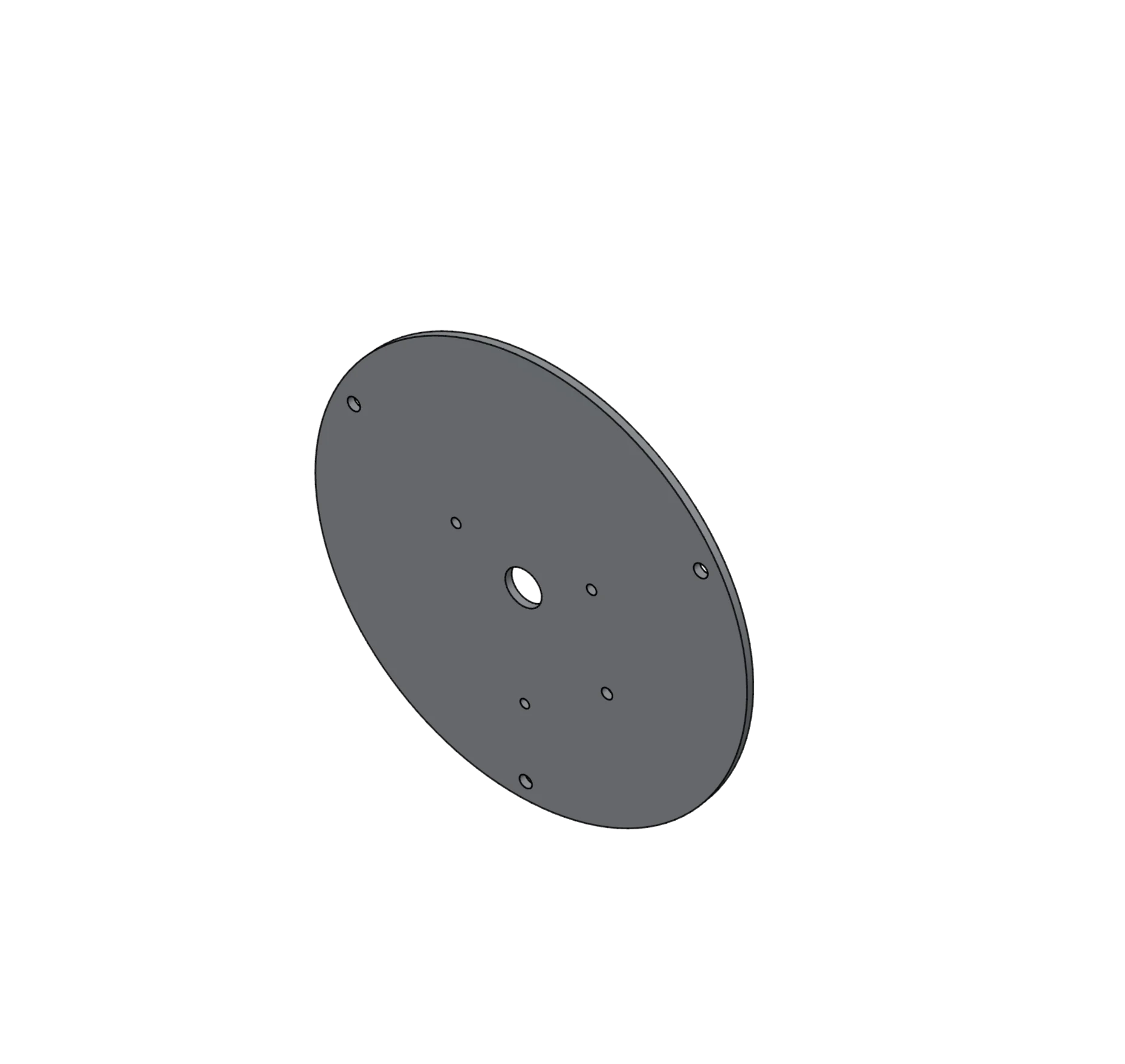
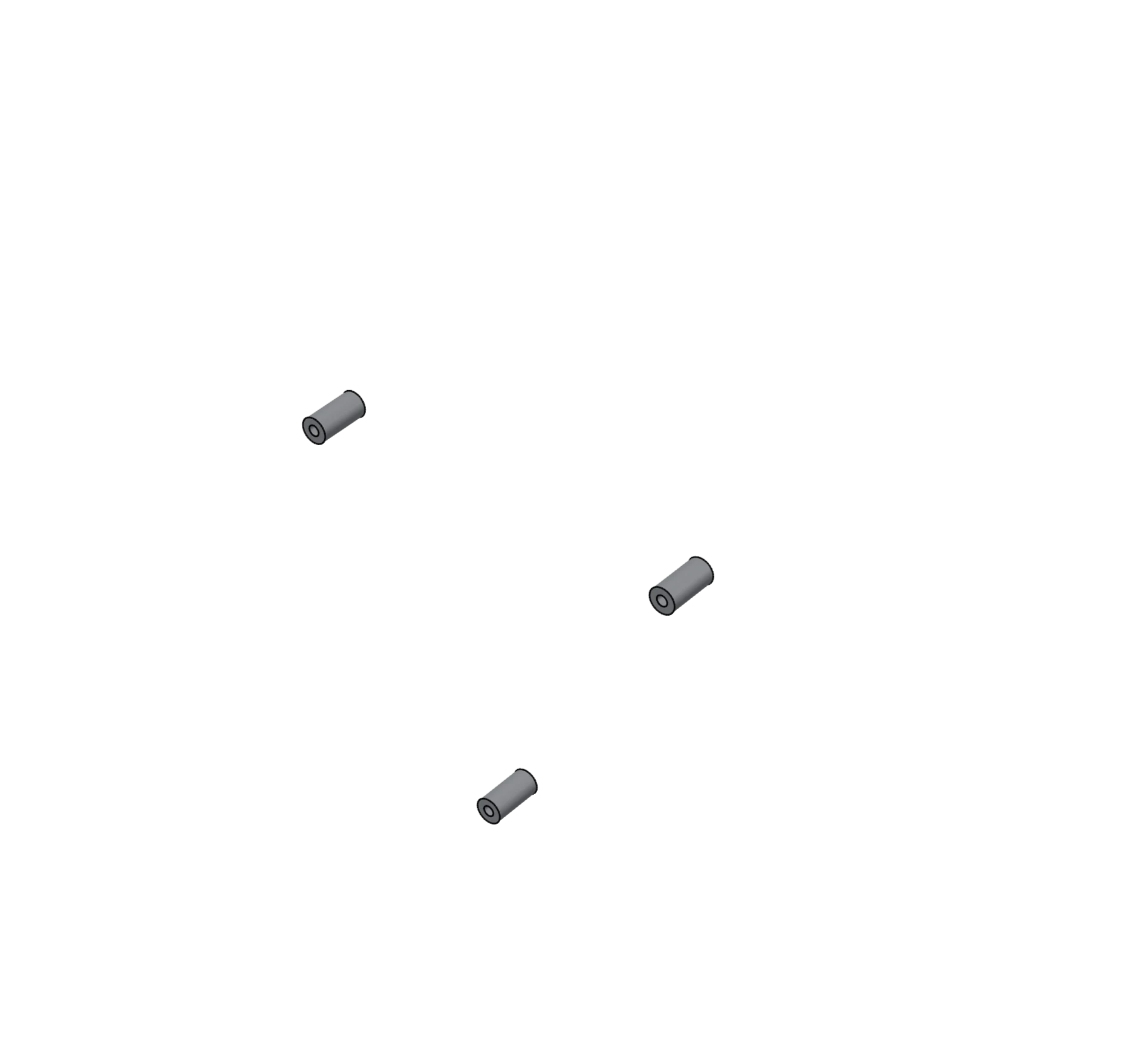
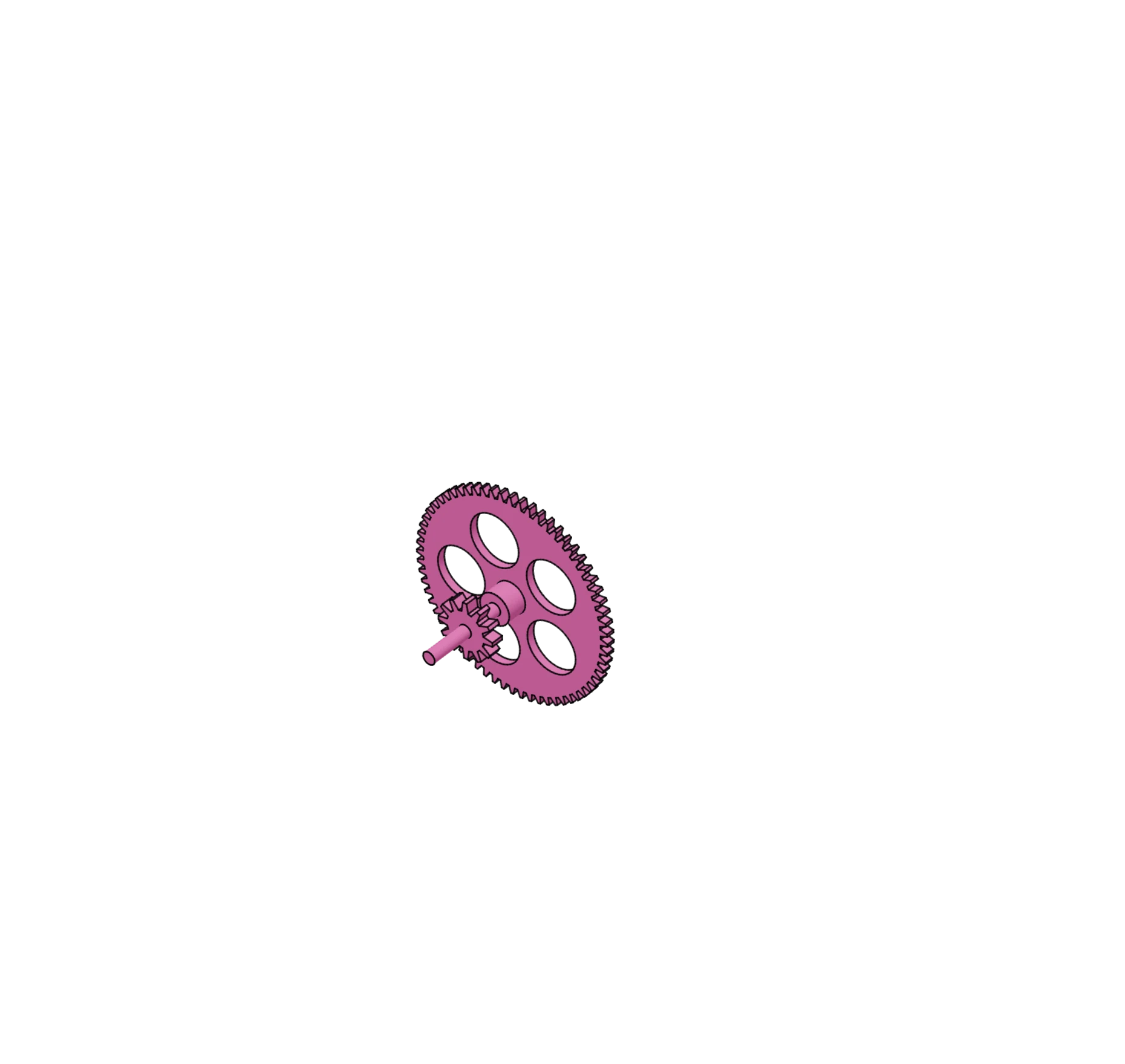
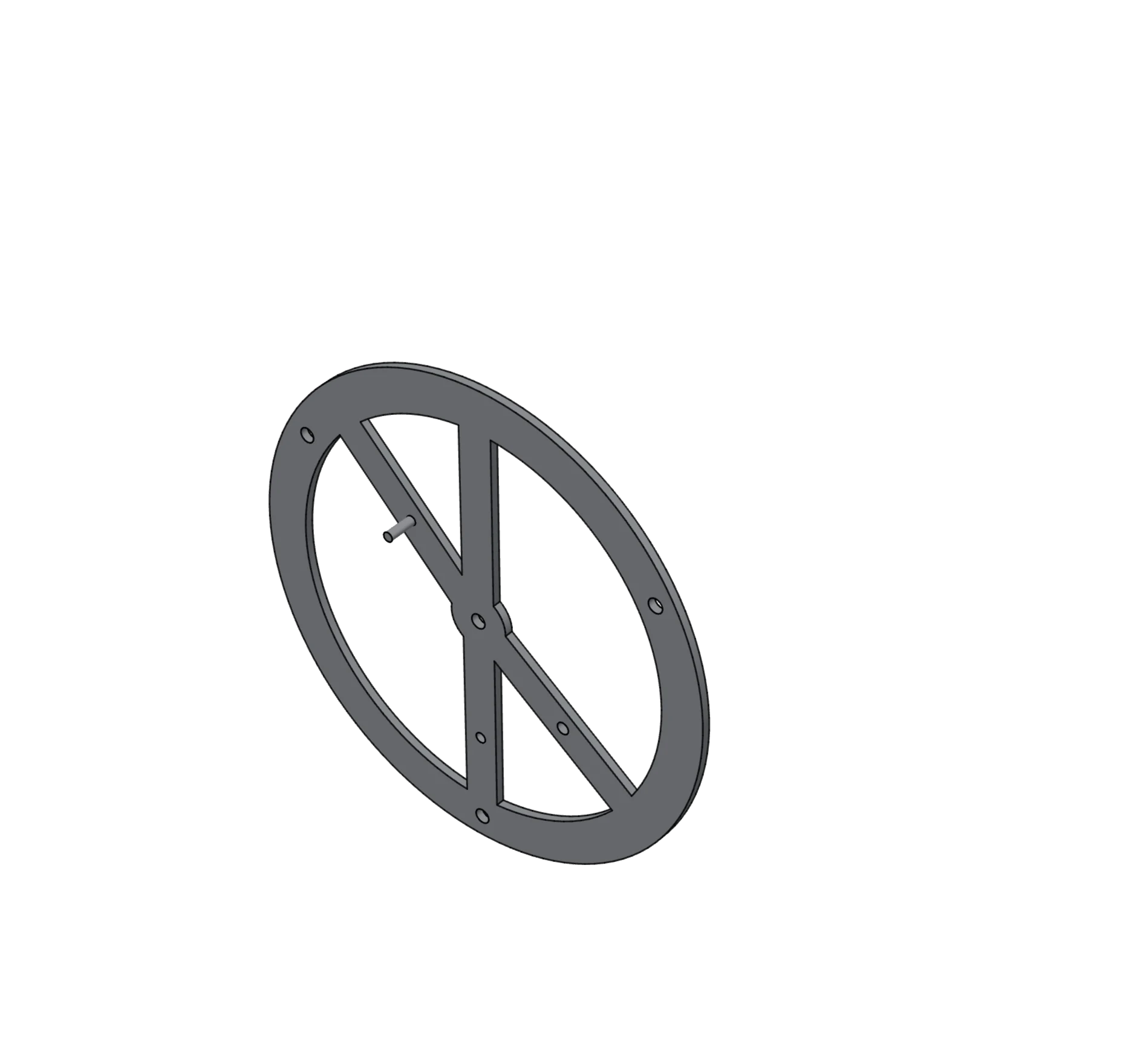
Every part, listed. The agent keeps the parts in their groups as it goes, so you keep your flow. Pick a group to see it on its own.
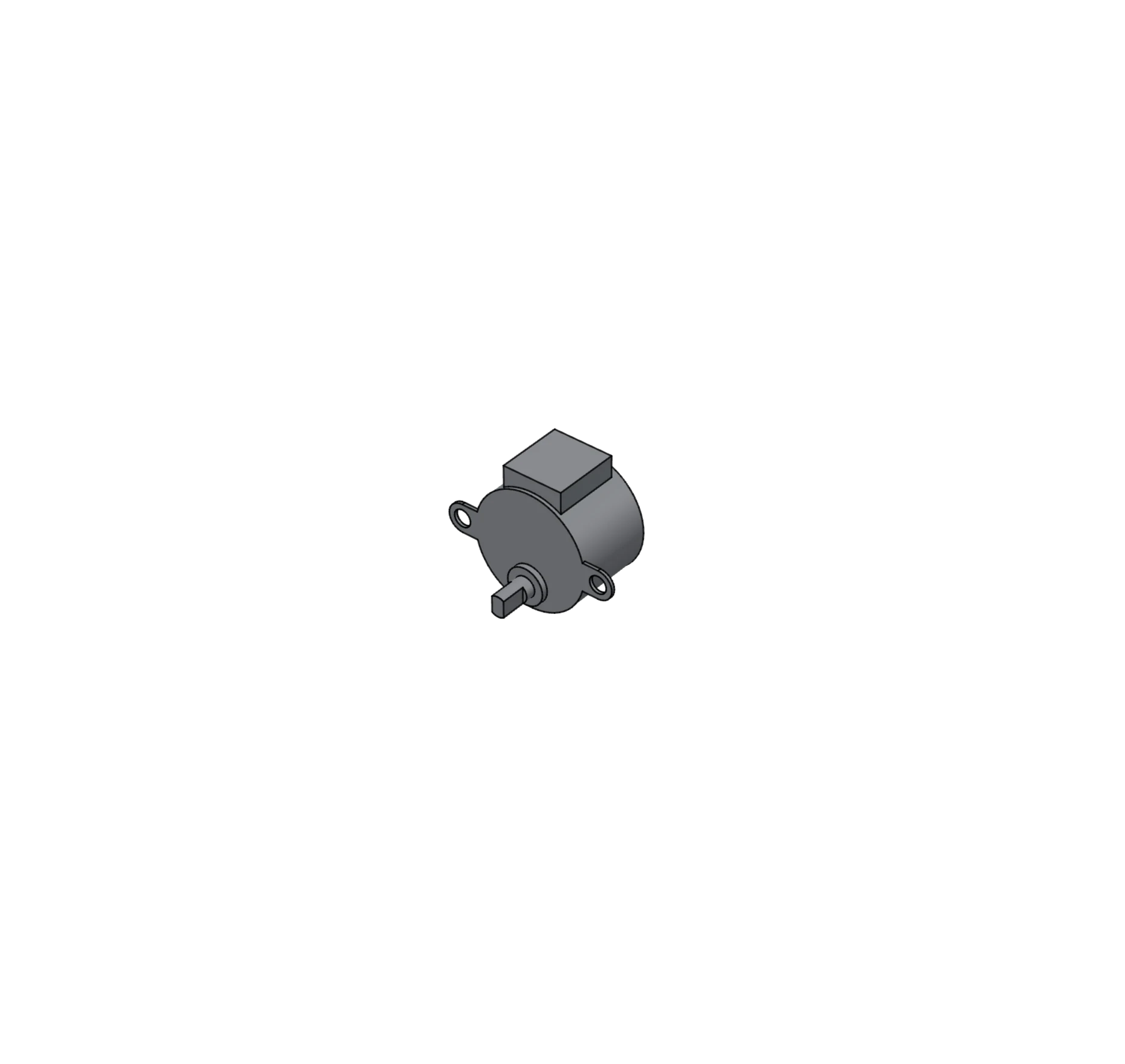


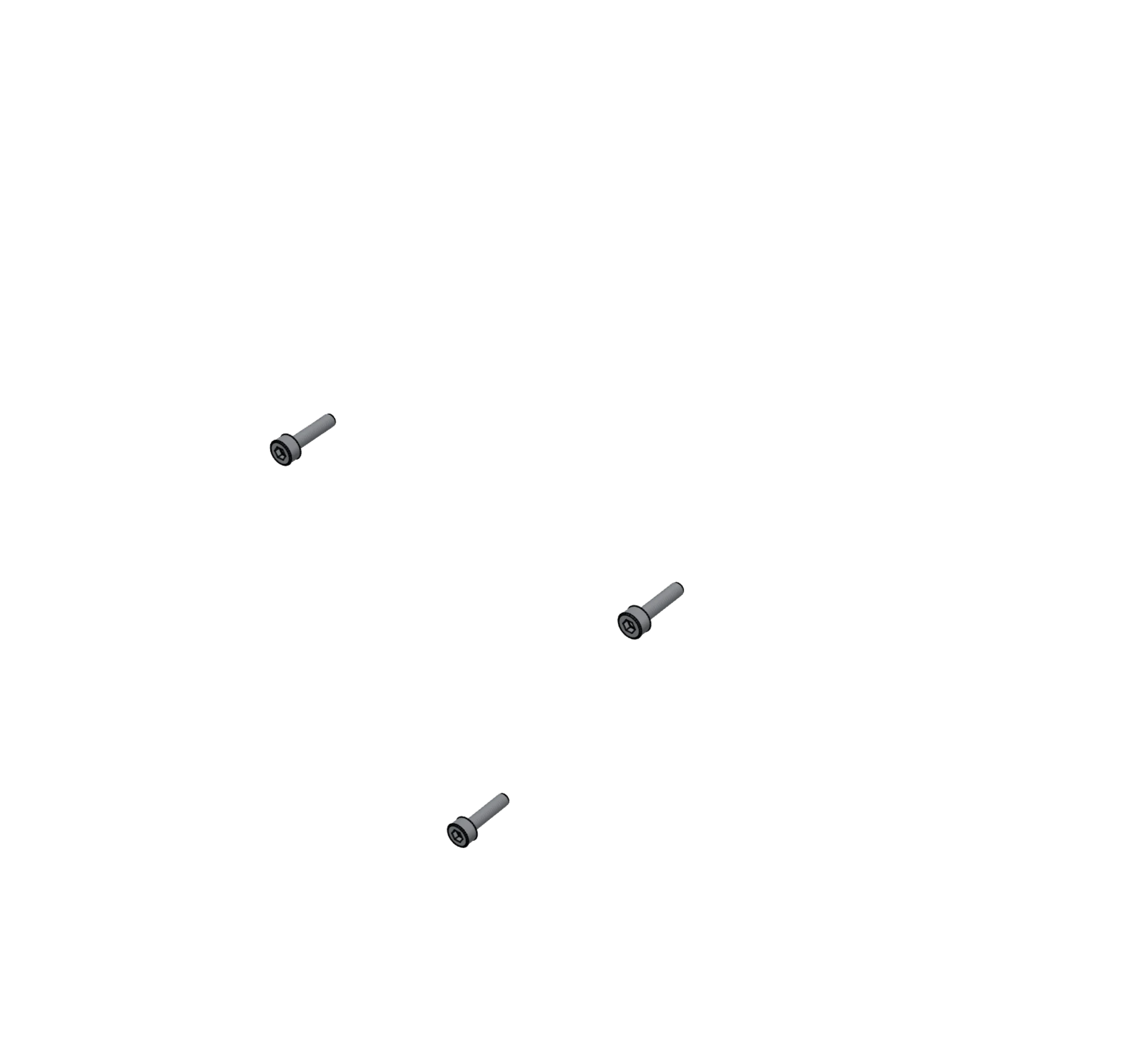

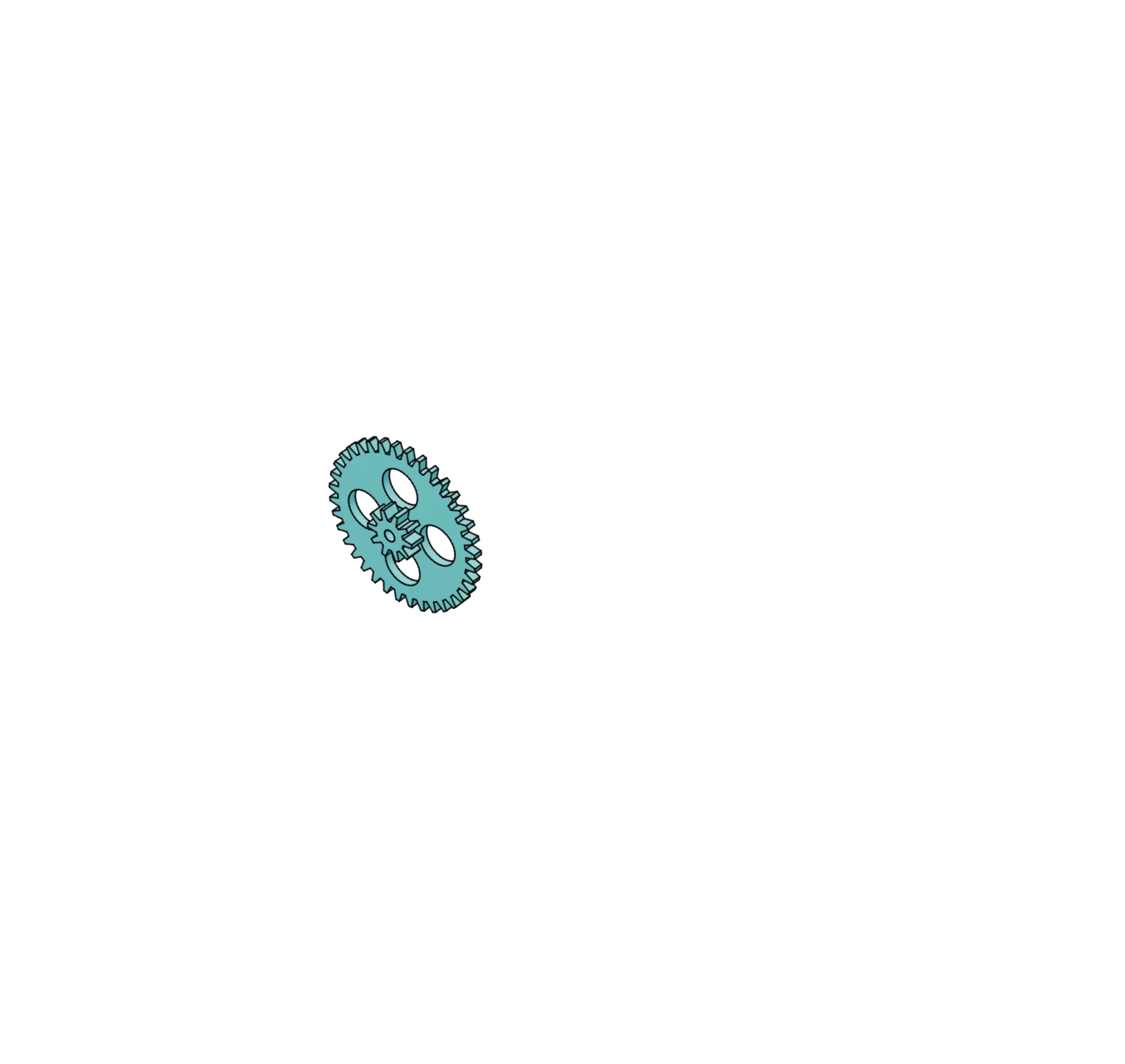
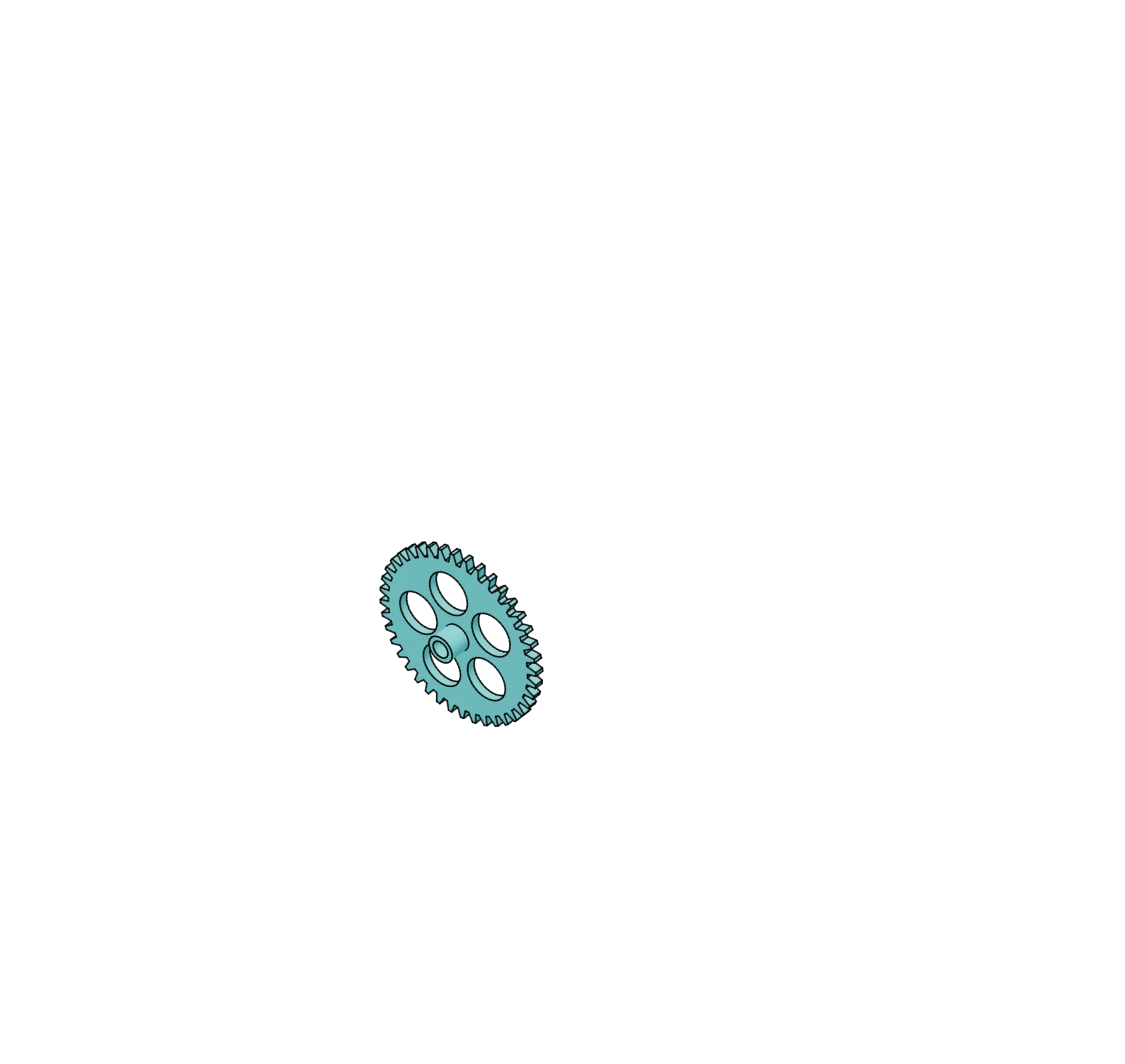

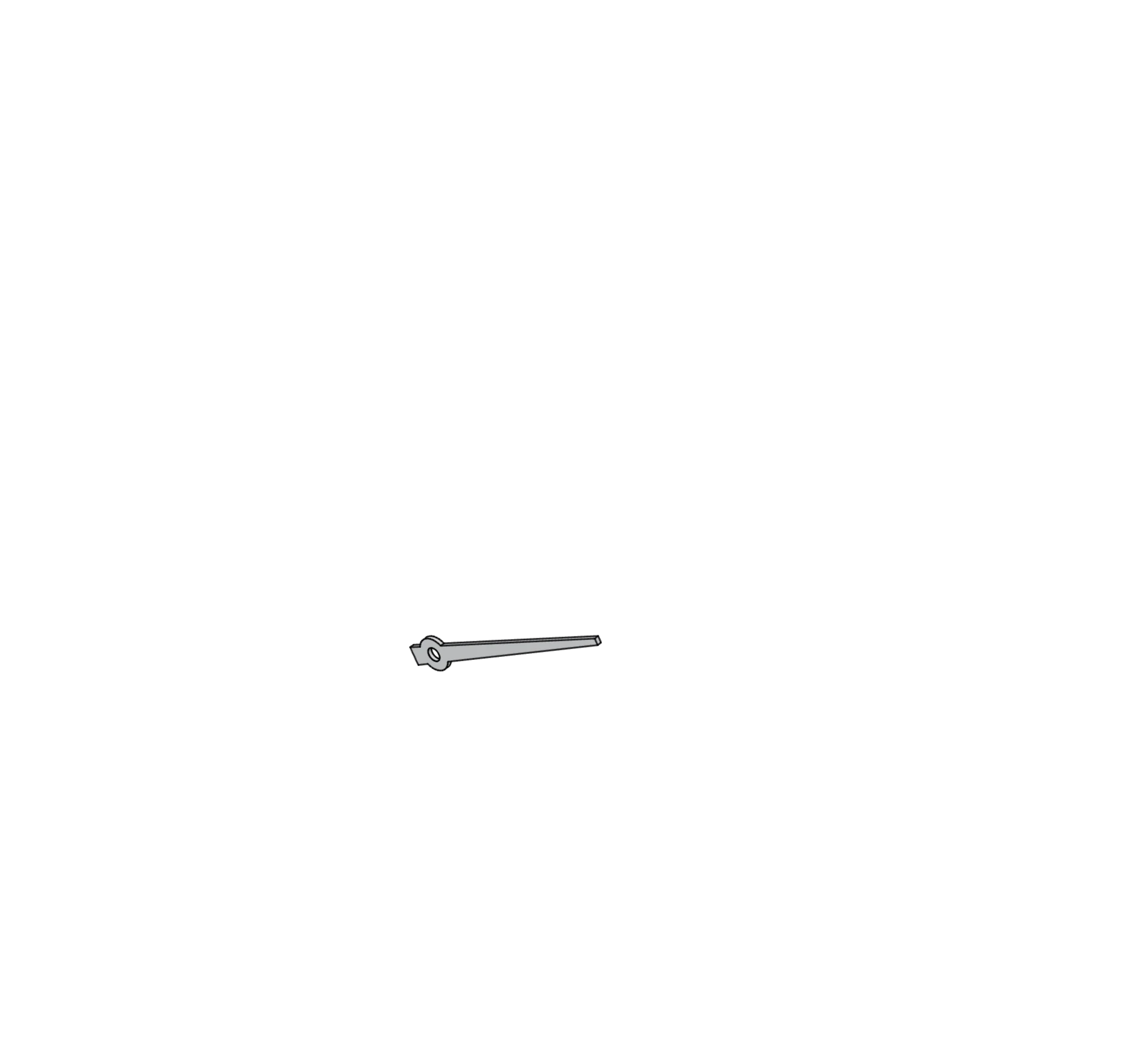 2x
Pulled apart. Explode the model by its groups, and pull it further apart, to see how it all goes together.
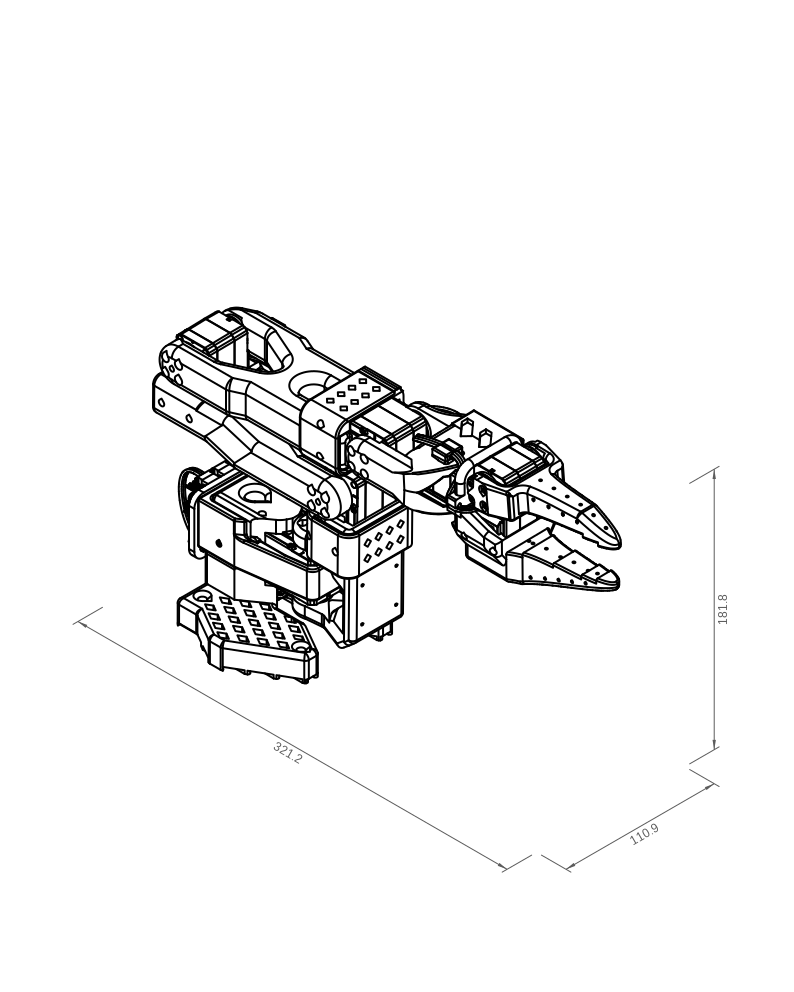
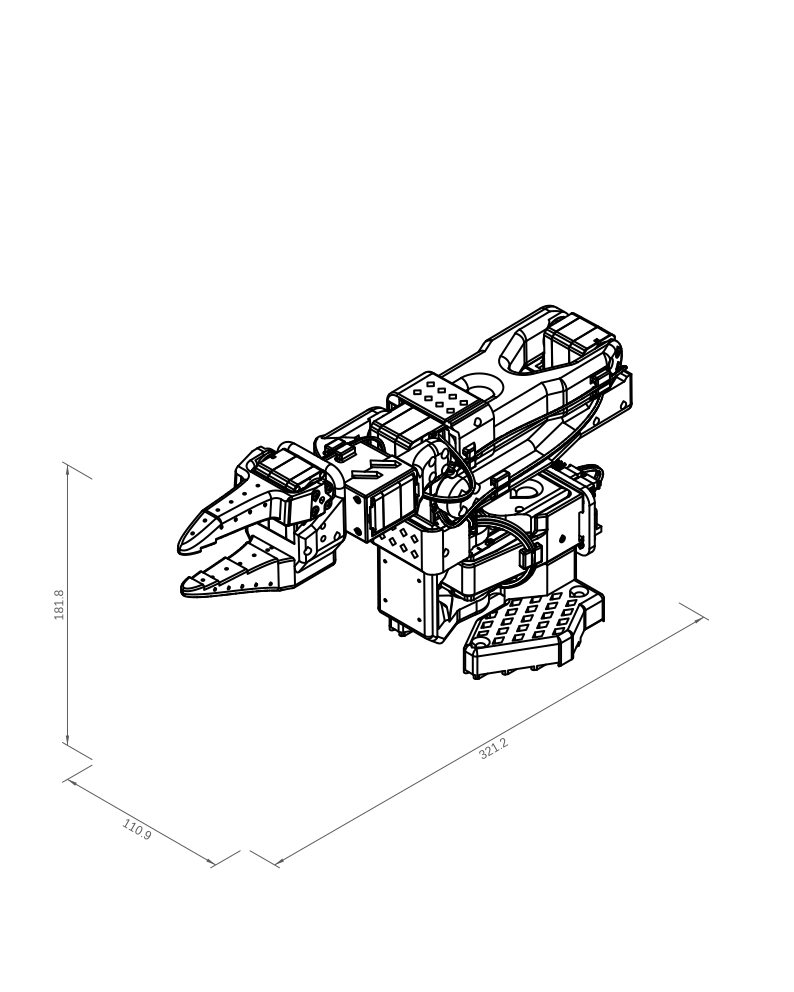
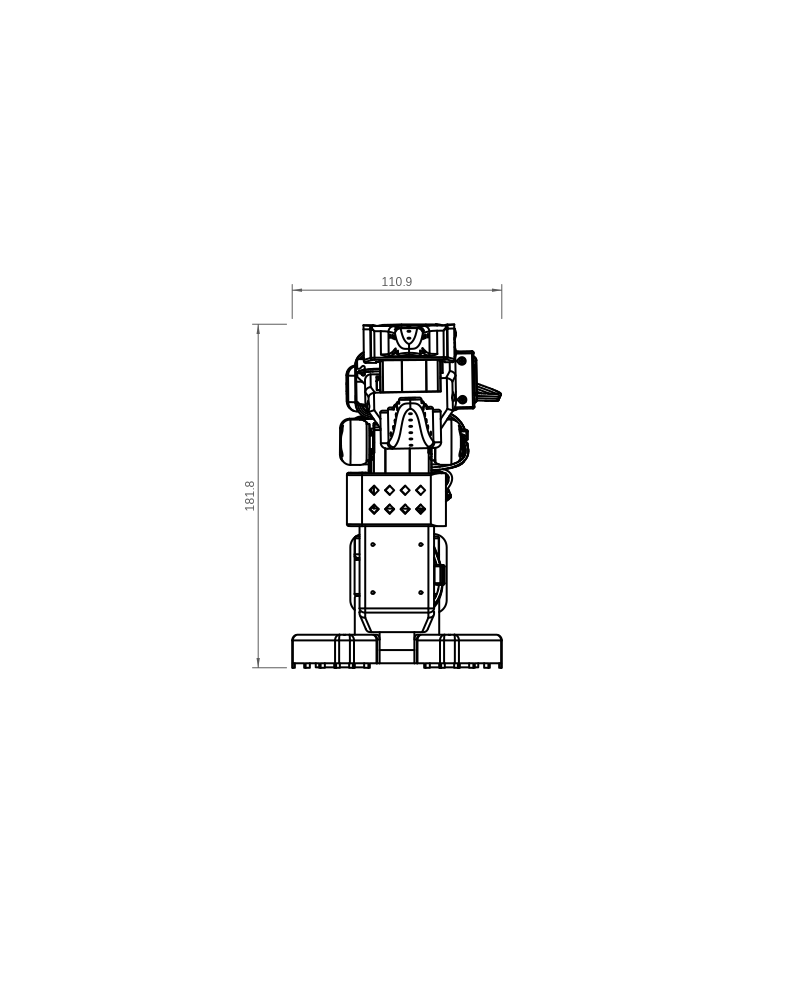
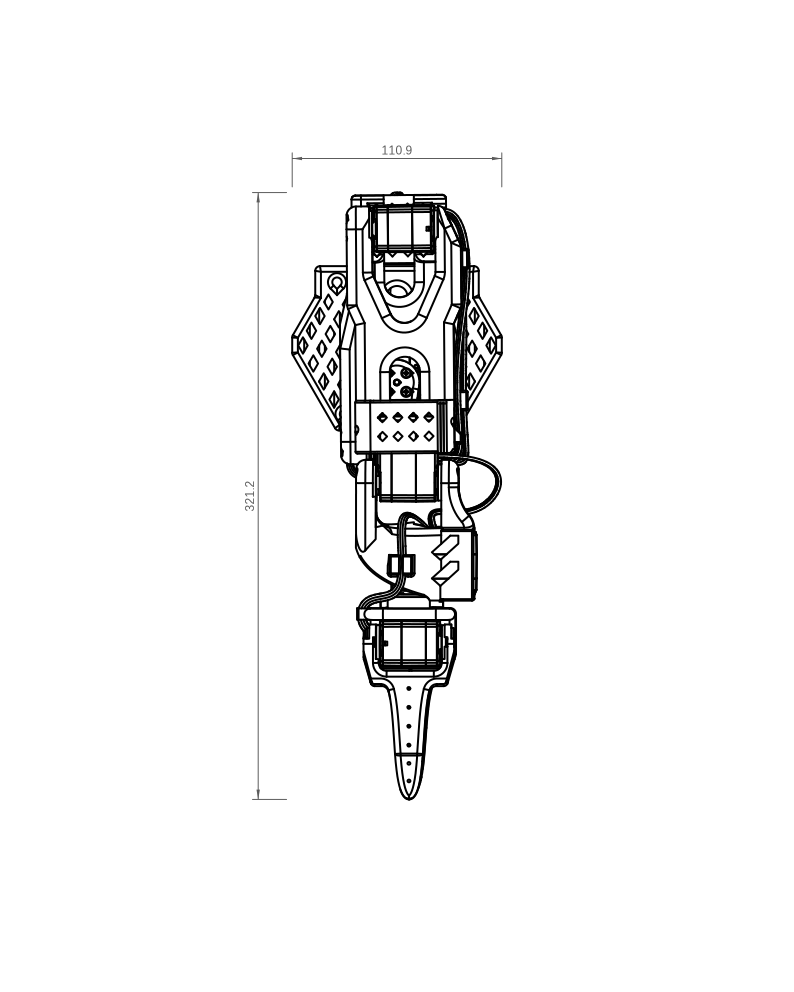
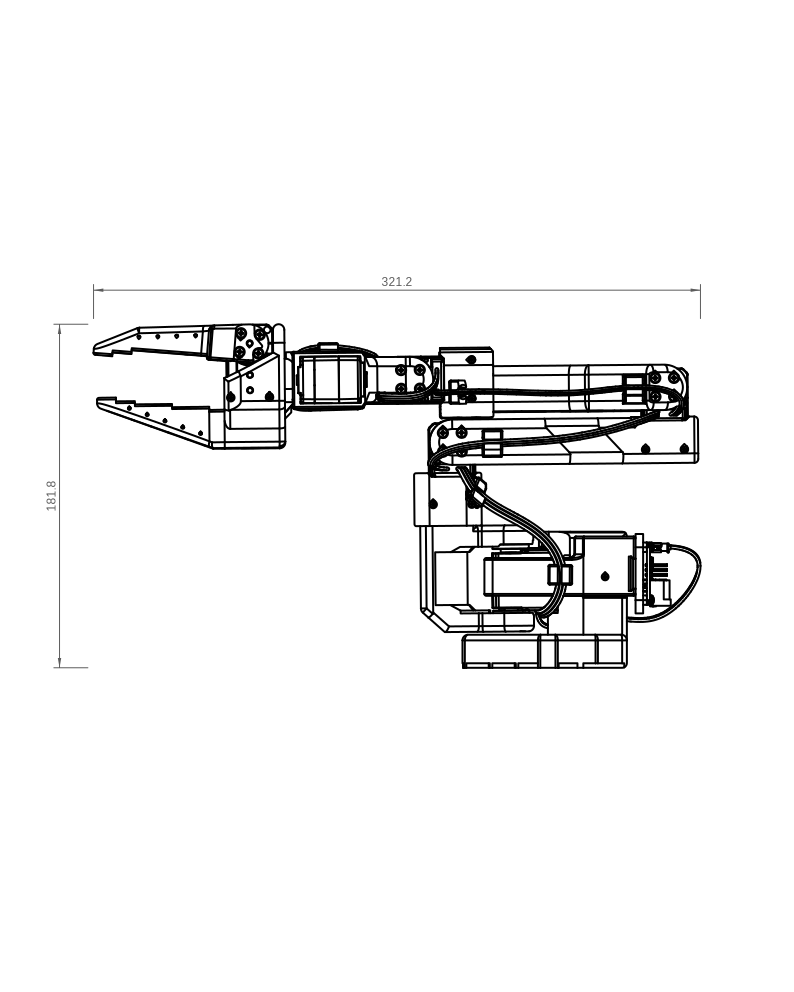
Blueprints, ready to print. Vector sheets from every side and corner, with dimensions, each part on its own layer of the SVG.
- Counter stoolAssembly guide · 4 steps
Before you start - 4 mm hex key
- Phillips screwdriver
Step 1Frame Stand the four legs and the backrest up, glides to the floor.
4 legs, backrest, 4 glidesStep 2Brackets Key a bracket into the top of each leg, and screw its plate on.
4 brackets, 4 keys, 4 platesStep 3Footrest Bolt the ring between the legs, level all round.
Ring, 4 boltsStep 4Seat Lay the seat on the brackets, and screw it on from below.
Board, cushion, 8 screwsAssembly guides. Ask for a guide and the agent works out the order the parts go on in, and writes the steps, with what you need to hand.
Electronics, too.
The agent designs the board,
no expertise needed.
Powered by tscircuitLearn more
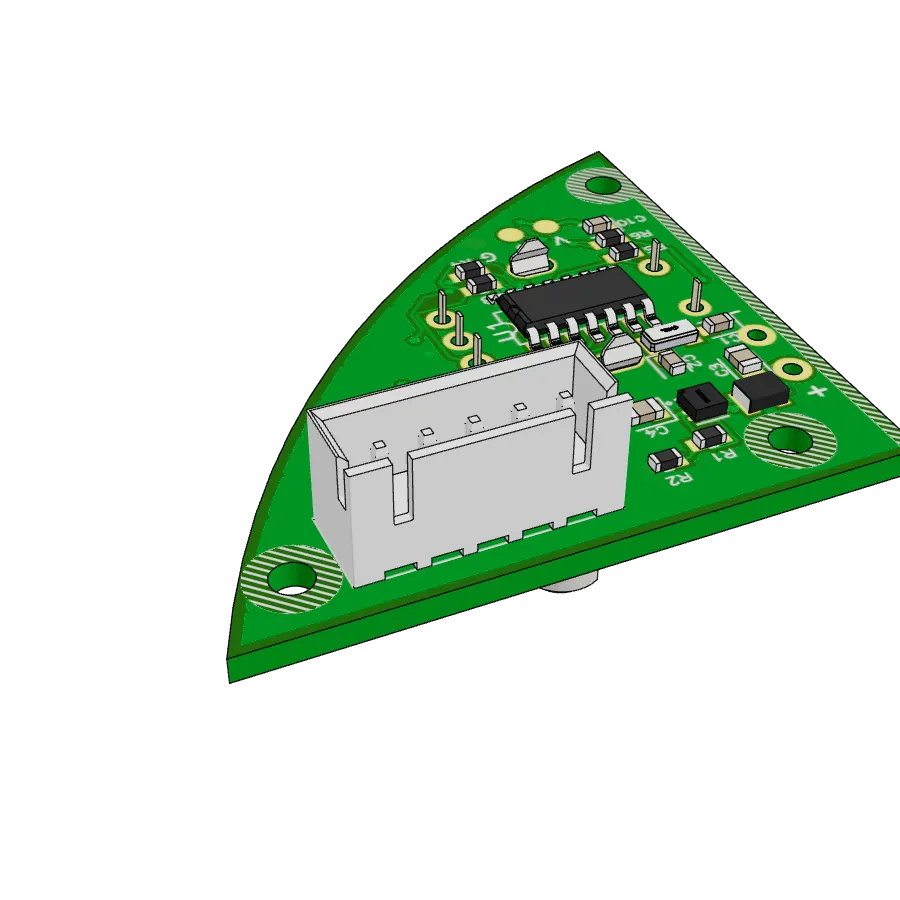 SW1Rotary encoderU1ATtiny1614
In 3D. See the board in high definition, every part on both sides, and leave a comment on any part for the agent.
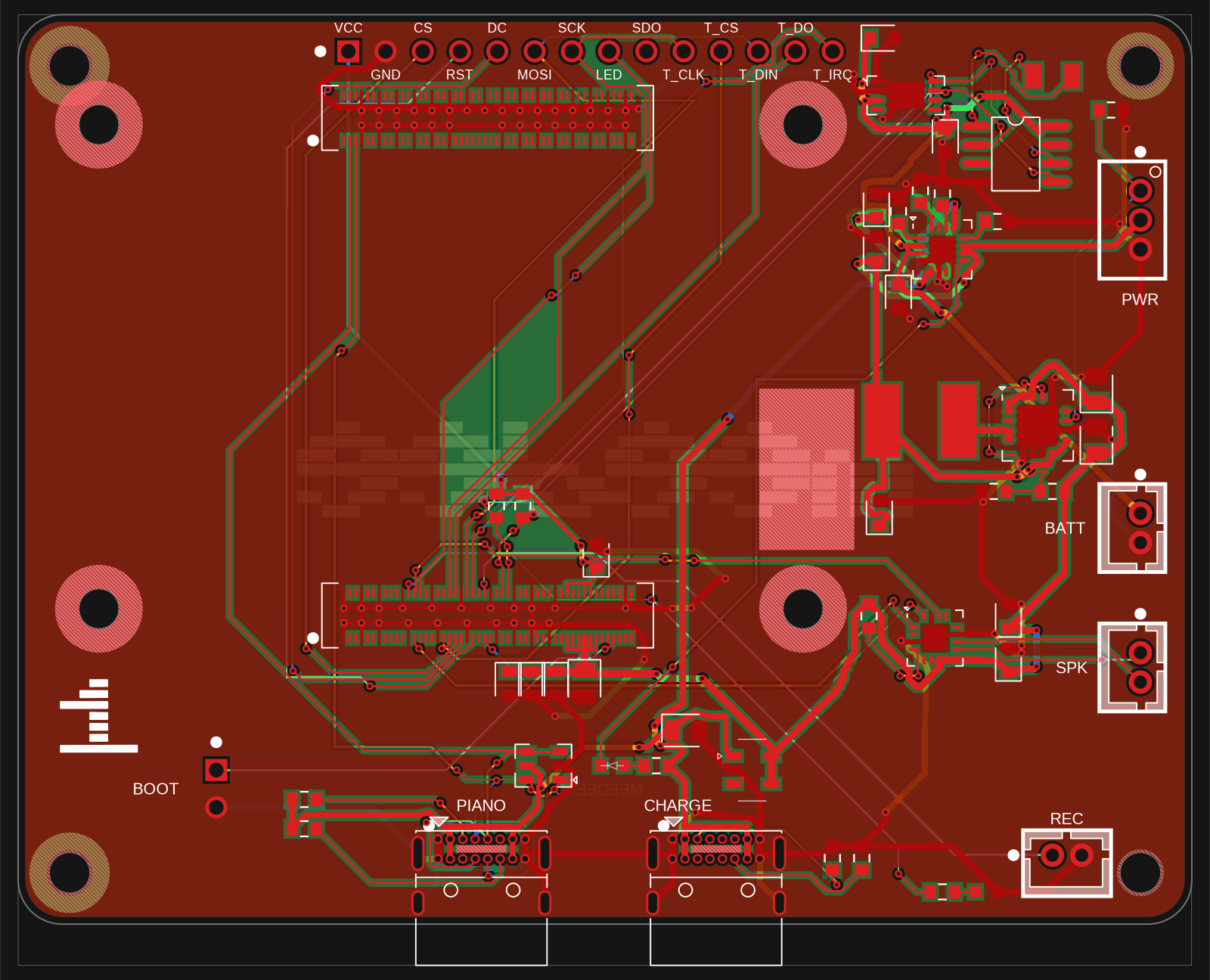
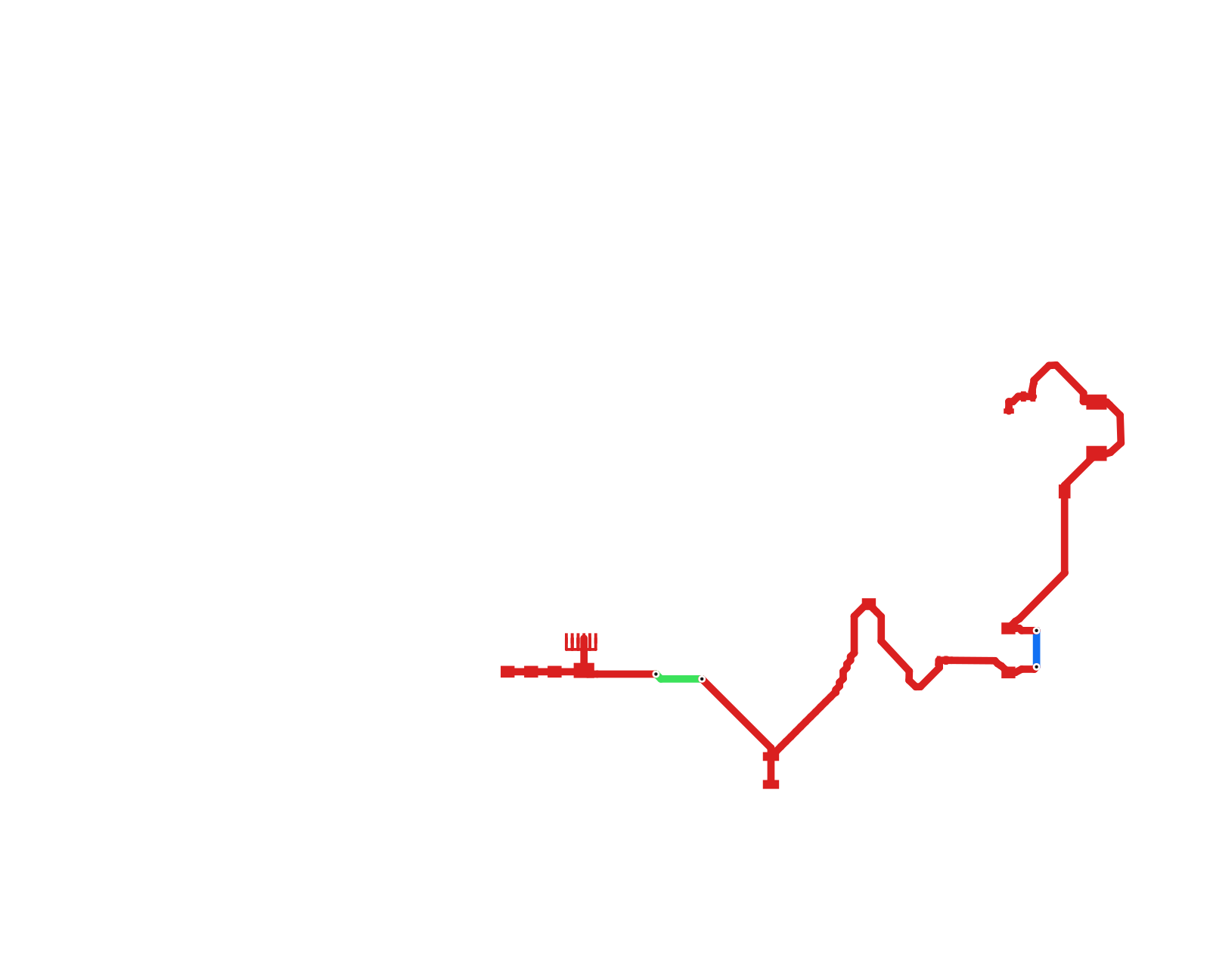 U3.VOUT1, U3.pin1
Technical view. Every copper layer, drawn as it is fabricated. X-ray a net to follow it through all four layers and every via.
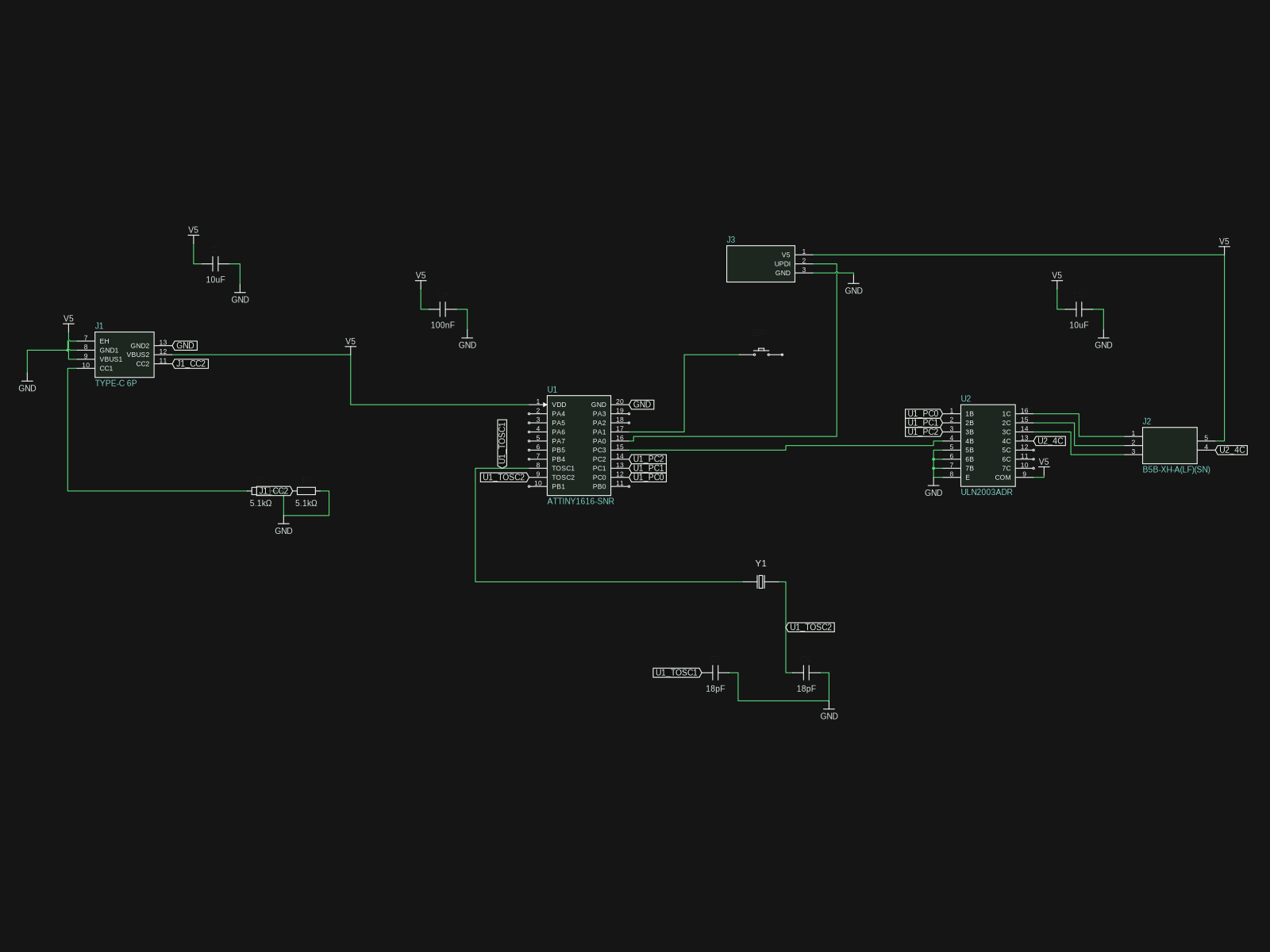 Extended partU1ATtiny1616 microcontroller
- Maker’s number
- ATTINY1616-SNR
- JLCPCB
- C609652
- In stock
- 2,148
- Price
- $0.912 each
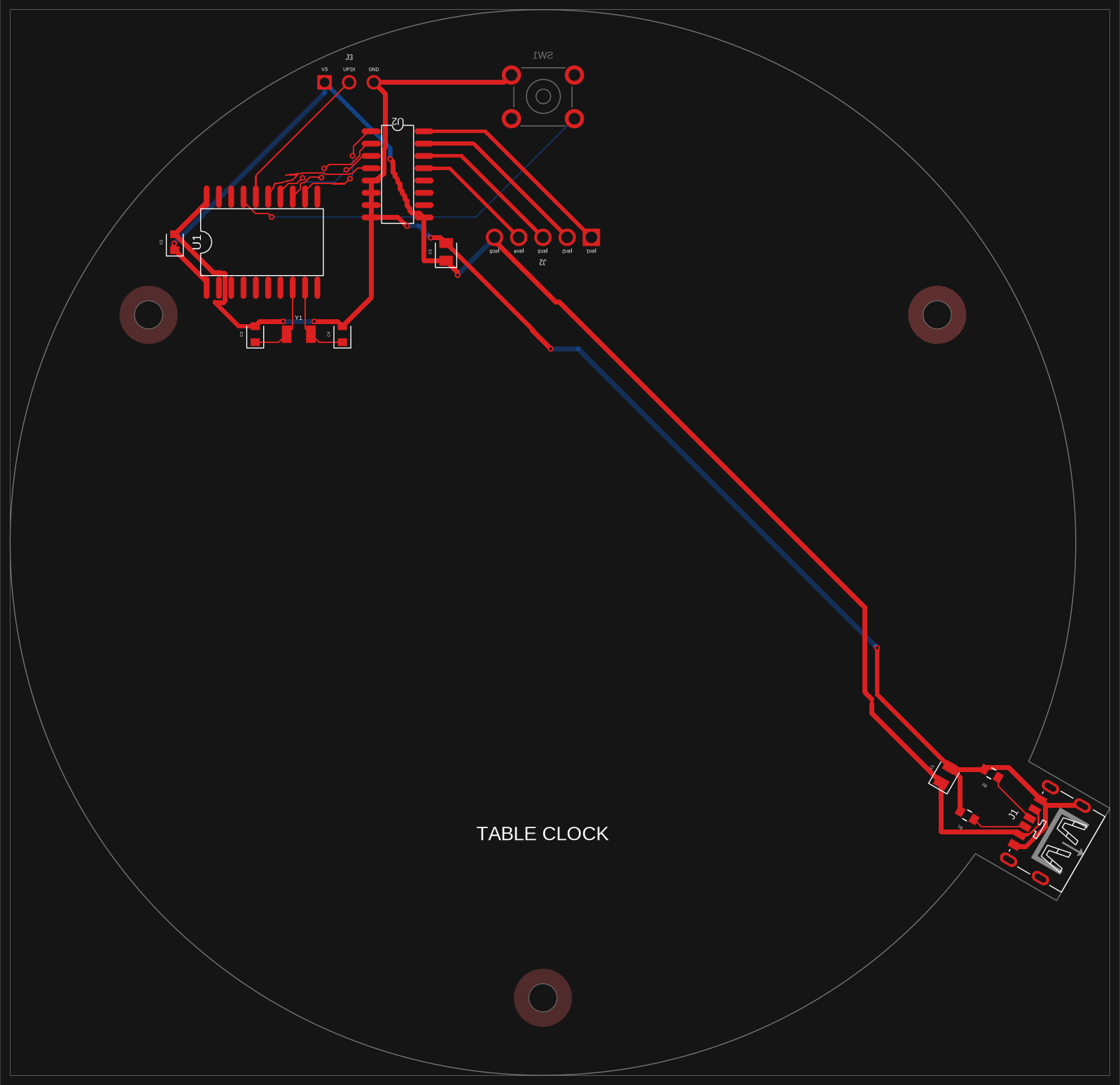
The schematic. Every part is sourced from JLCPCB, with live stock and its price per piece. Know what your board costs before you order it.
 Routing0%
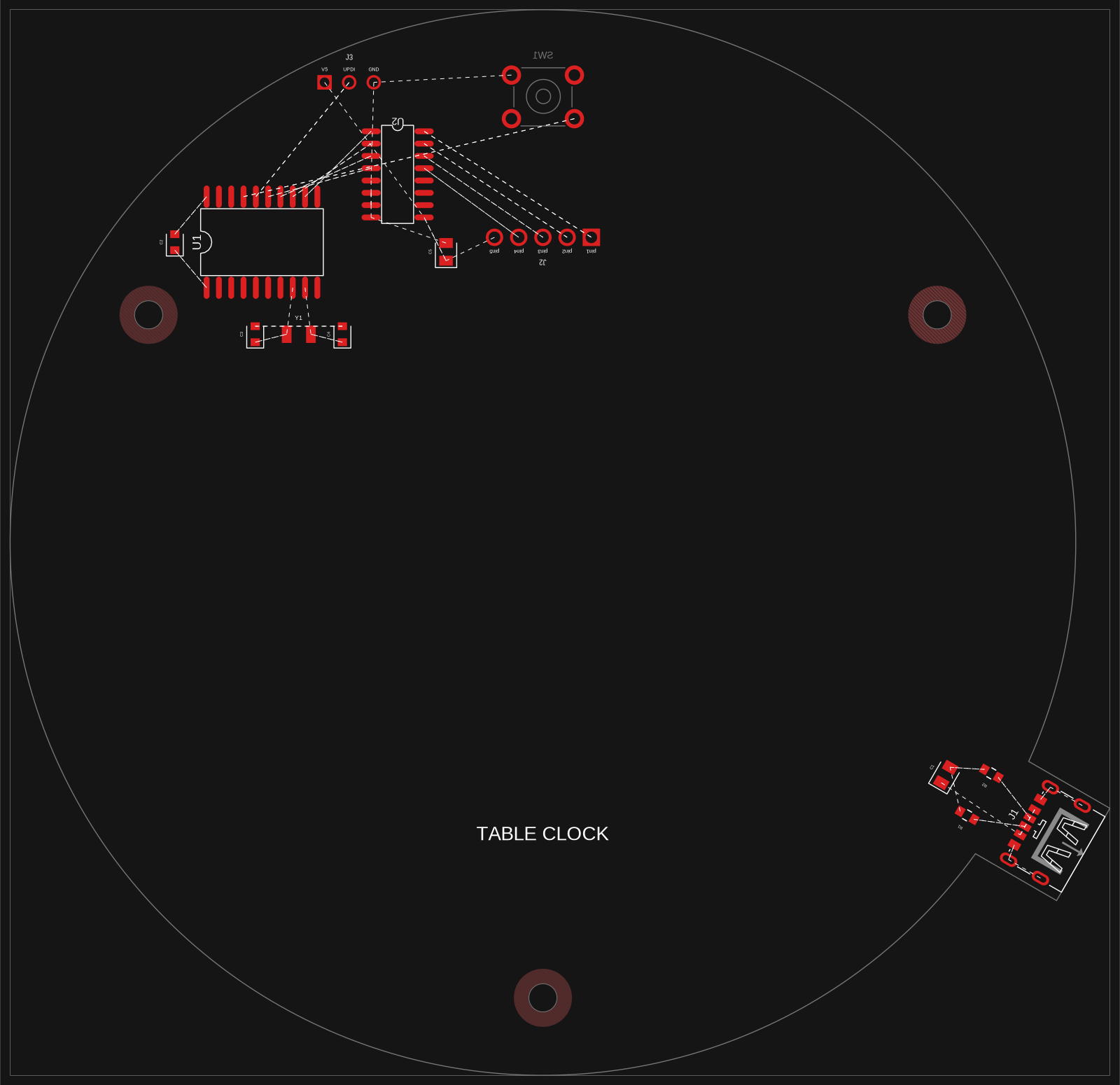
Routed in real time. tscircuit’s autorouter lays every trace in seconds, even on boards of four layers, and the agent keeps routing as the design changes.
Beyond the design.
Inspiration boards, custom
tools and real-world scale.
- Dial and trim3What matters here?PinThis grain, on the base
Inspiration board. Drop in pictures of the look you are after, and pin a note to the detail you mean. The agent designs by them.
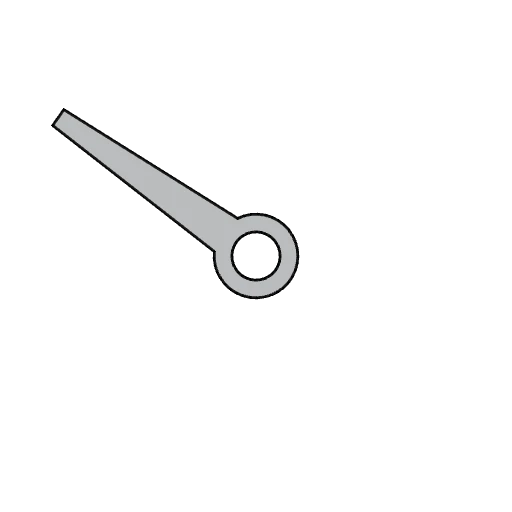
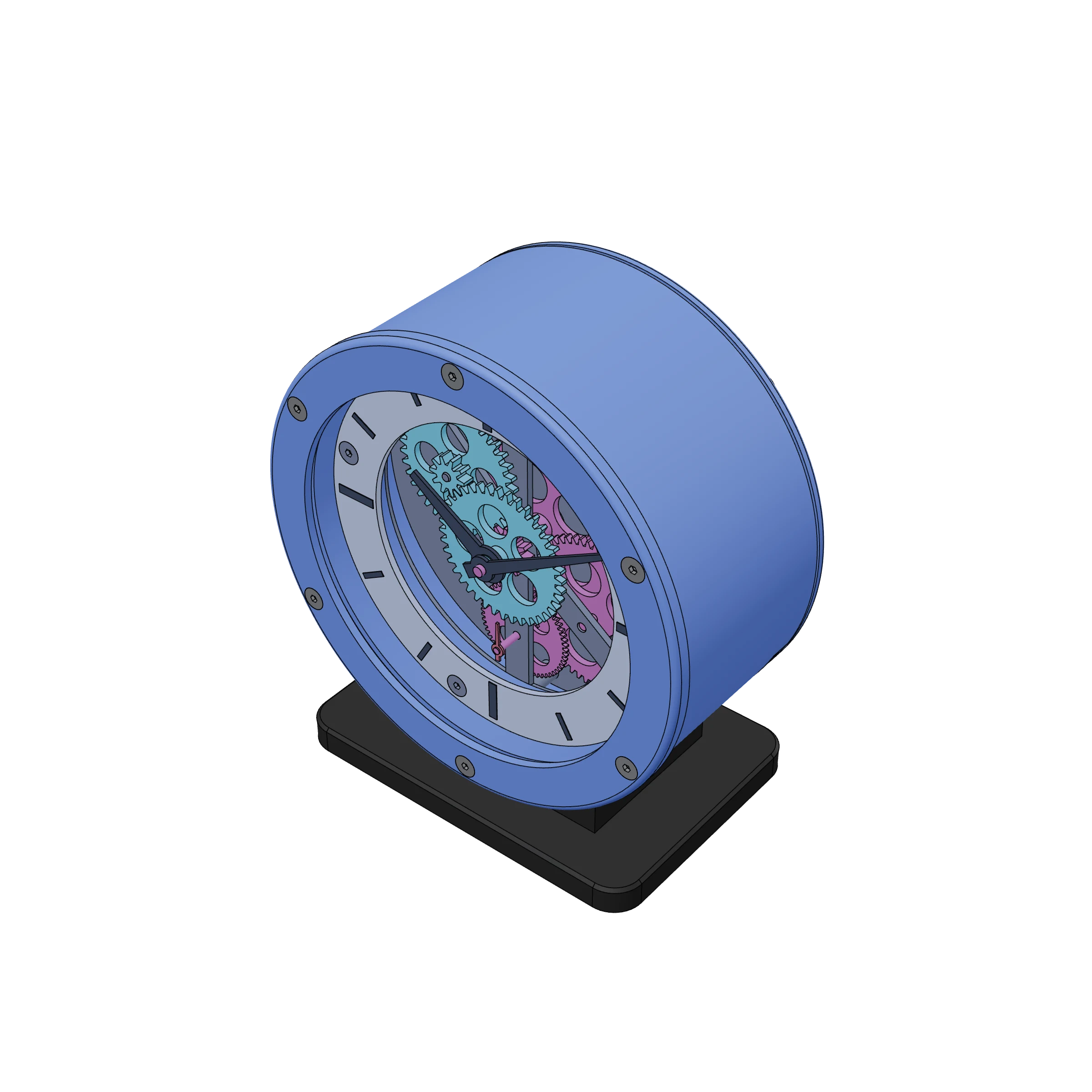
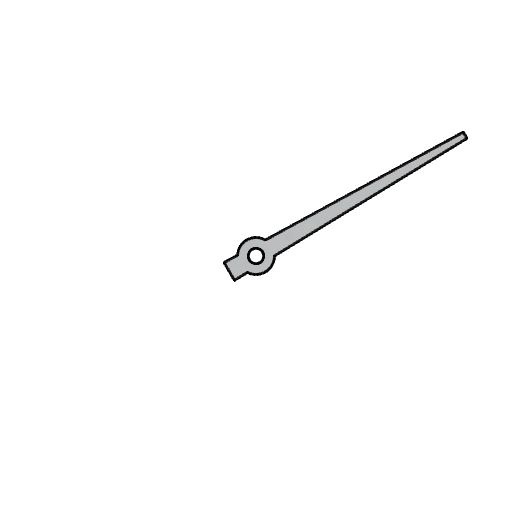 ClockAlarmTimeWhere the hands point.3:006:0012:00
Tools made for your model. No animation system to learn. Ask, and the agent builds the sliders, switches and poses your model needs.
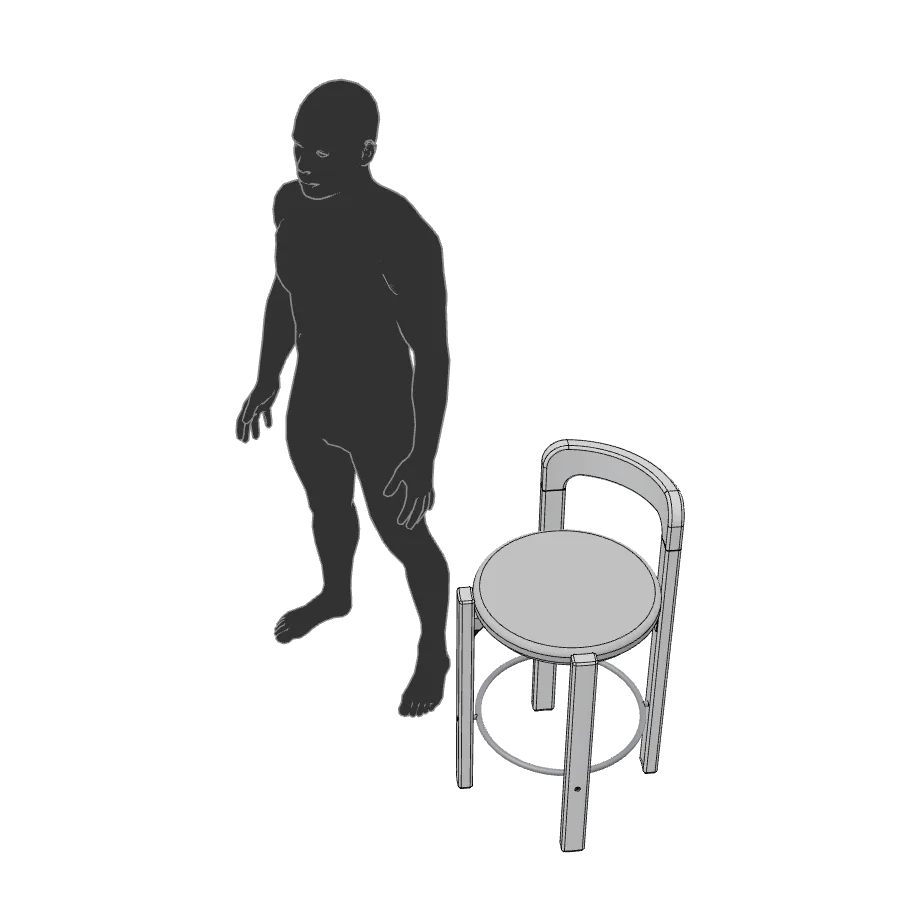
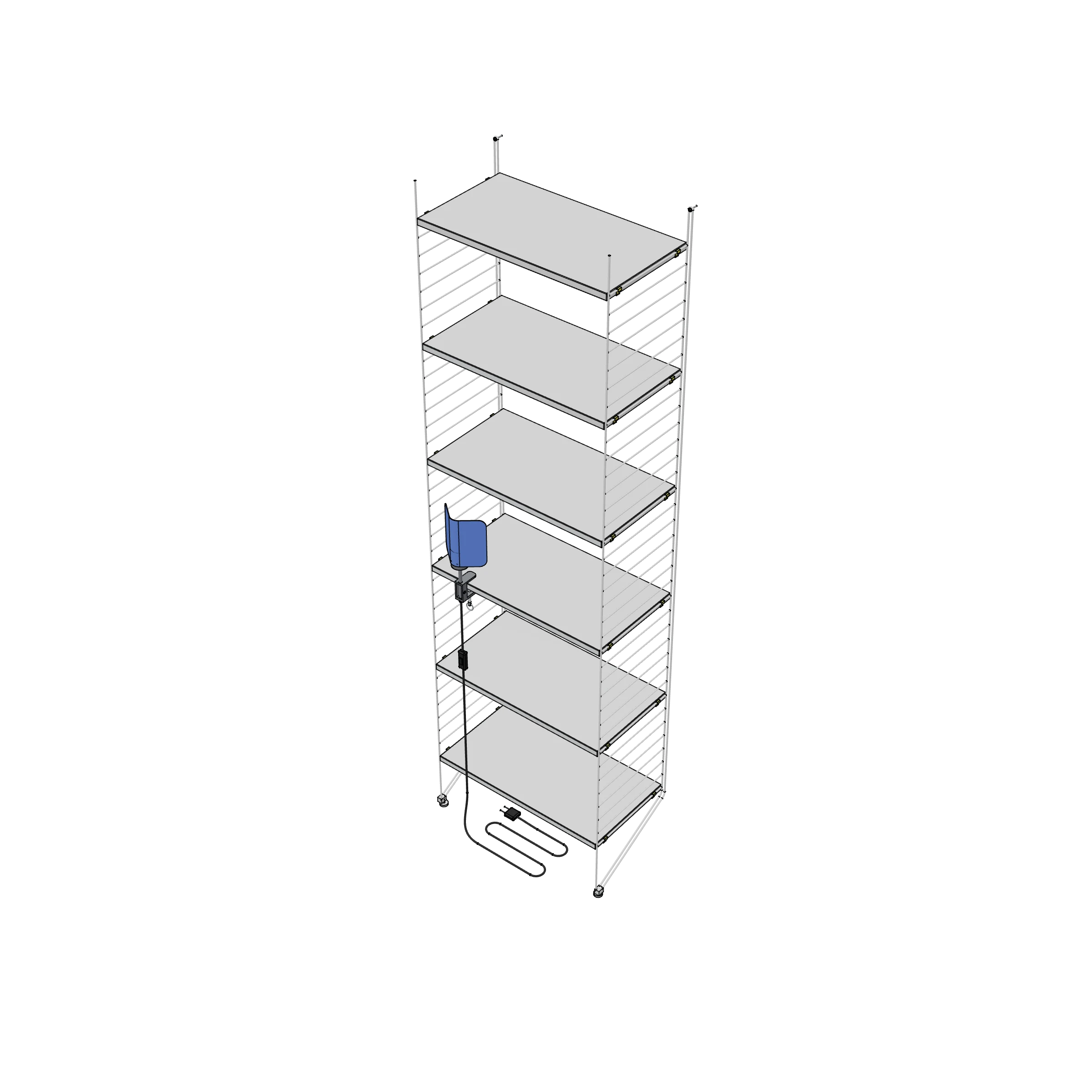
Seen at its size. Set the model on a desk, in a room or beside a person, to see how big it will really be.
Make something.
Free and open source,
for macOS and Linux.